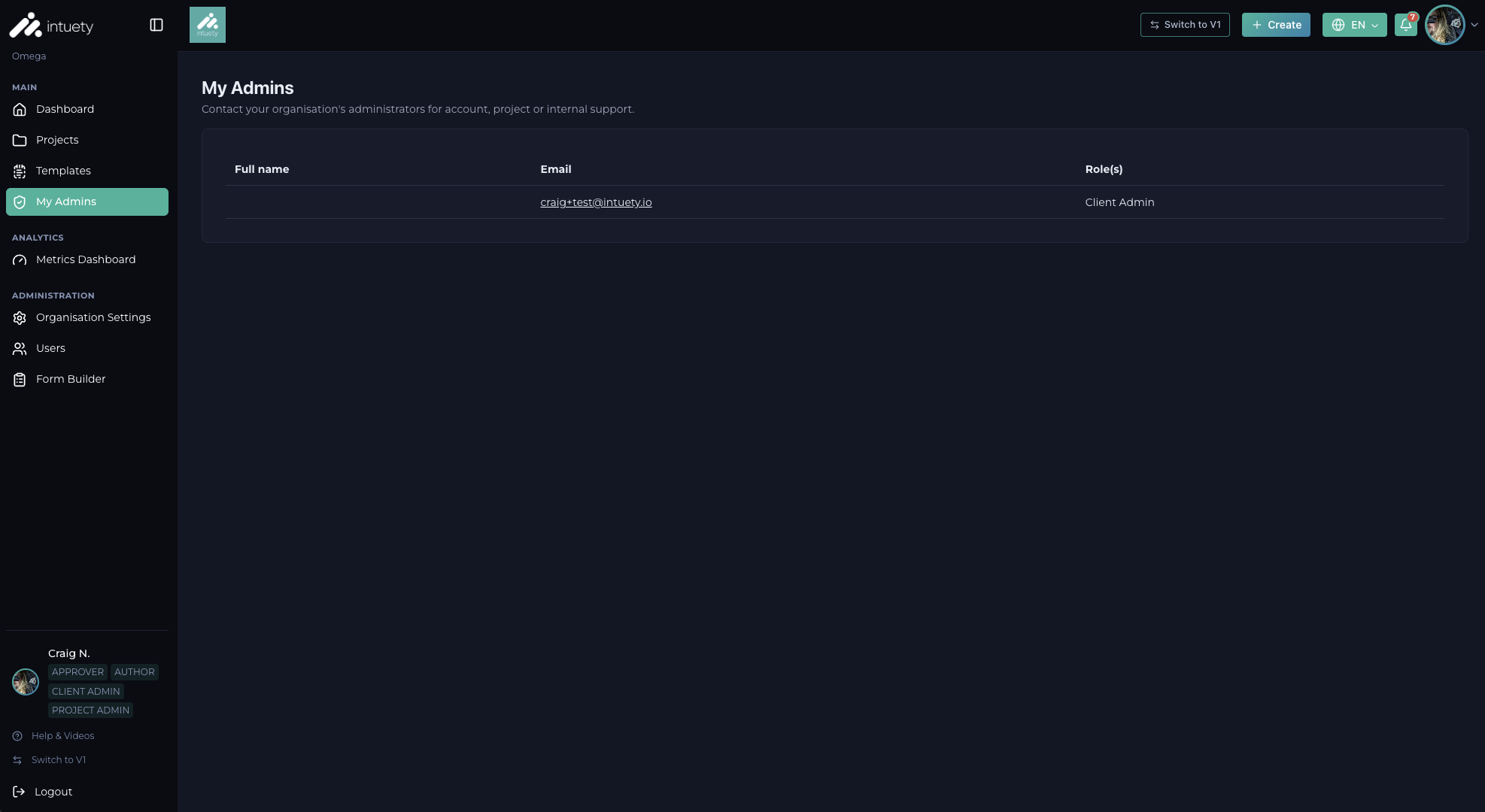
If you would like to go back to the original V1 version of the Intuety platform, you can temporarily do this by clicking the "Go back to V1" button in the top-right corner of the application when you are logged in. This will soon become unsupported as V2 becomes the primary mechanism for using the platform.
We understand that you may have limited time and a high workload, and may not have time to absorb or digest a brand new platform when you first log in. To allow you time to switch back to V1 and choose when you would like to digest V2, we are making V1 available for a short period of time before we sunset it completely. When you are in V1, there is also a button to switch back to V2 at any point.
The below screenshot highlights the 'back to V1' button that sits at the top right of the application and another method via the main menu at the bottom left.